Custom software that ships

Web apps, databases, and brand-ready digital experiences - built with C#, ASP.NET, and a craftsman's eye for detail.

Johnny Funch

Hi, I'm Johnny Funch.

Originally from Denmark, I moved to New York in 1998 and worked with leading financial and technology firms including Morgan Stanley, Reuters, Aetna, and Bank of America.

In 2006 I relocated to Amelia Island, Florida. Beyond client work I'm passionate about technology, problem-solving, and creativity - coding, electronics, LEGO, and the kitchen.

At FunchTech we deliver high-quality software and website solutions tailored to your needs. Let's create something great together.

Technologies

Always learning, always shipping - modern tools for durable products. (Cooking's the same story.)

C#
ASP.NET
Azure
SQL Server
JavaScript
HTML5
CSS3
Bootstrap
MySQL
Visual Studio
Responsive Design
AI
Hover a technology

Portfolio

Selected client and product work - from local businesses to tournament platforms.

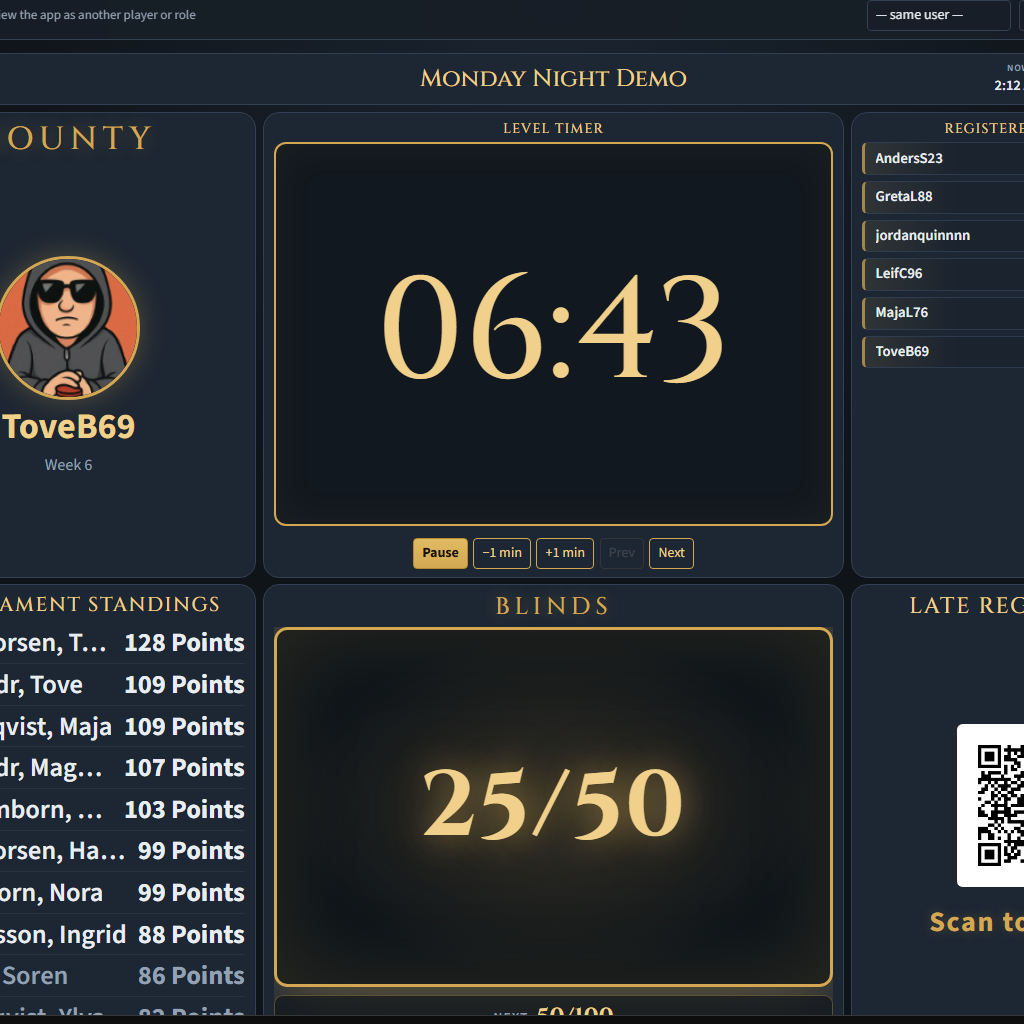
Viking Poker

Poker tournament management and game timer.
HTML5CSS3Tournaments

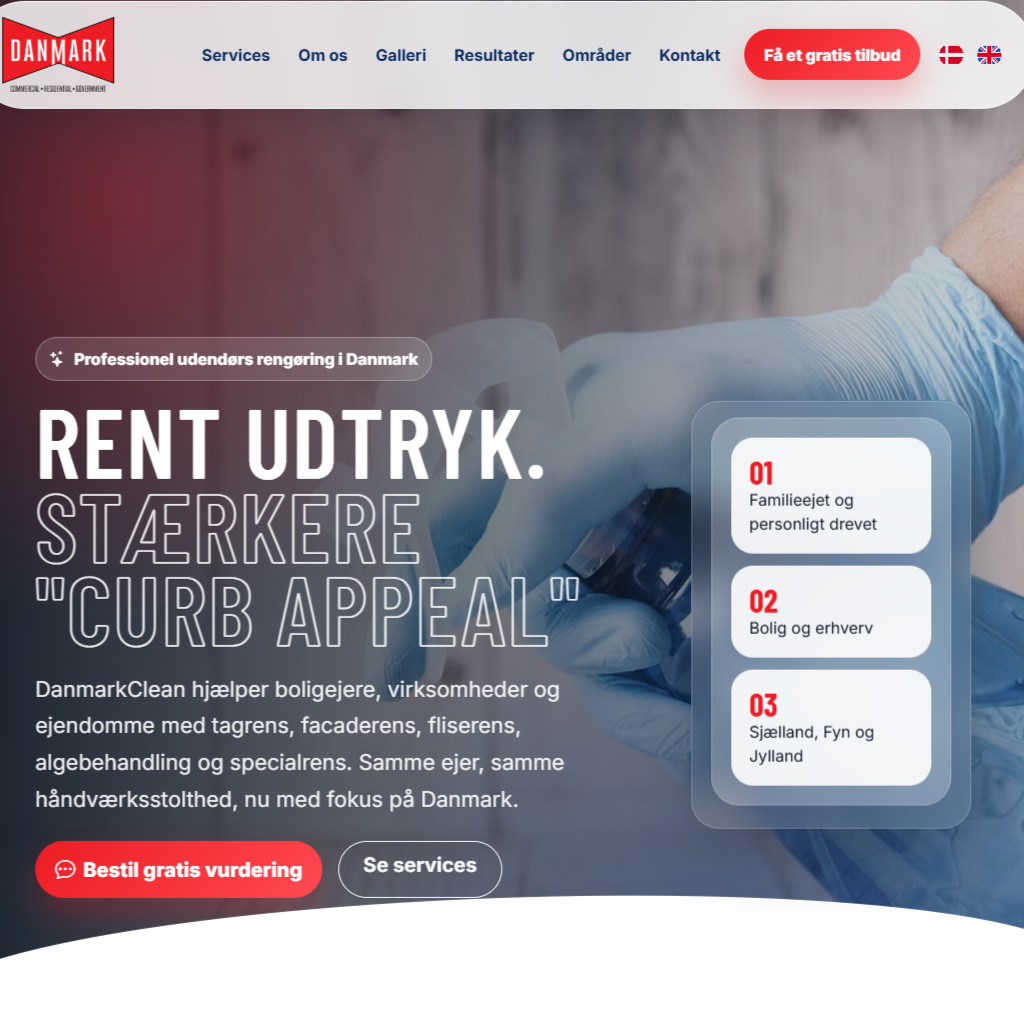
Danmark Clean

Tagrens, facaderens, fliserens & specialrens.

HTML5CSS3

VikingAF

Stickers, magnets, 3D-printed gifts and fan gear.

C#SQLAPIPOS

Fernandina Events

Community events - music, sports, museums, government.

C#SQLAPI

Island Adventure Falls

18 1/2 holes of putt-putt in the center of the island.

HTML5CSS3

Down Under

Waterfront seafood restaurant and live music.

HTML5CSS3Menu

Coastalwave Properties

Vacation property rental platform.

HTML5CSS3SQL

Topgun Garage Doors

Garage door repair business site.

HTML5CSS3Responsive

Alexandra Cleaning

Professional cleaning company website.

HTML5CSS3

Magnificent Lawns

Lawn service company presence.

HTML5CSS3

Danish Food From Scratch

Recipe collection and culinary projects.

HTML5CSS3SQL

Blog

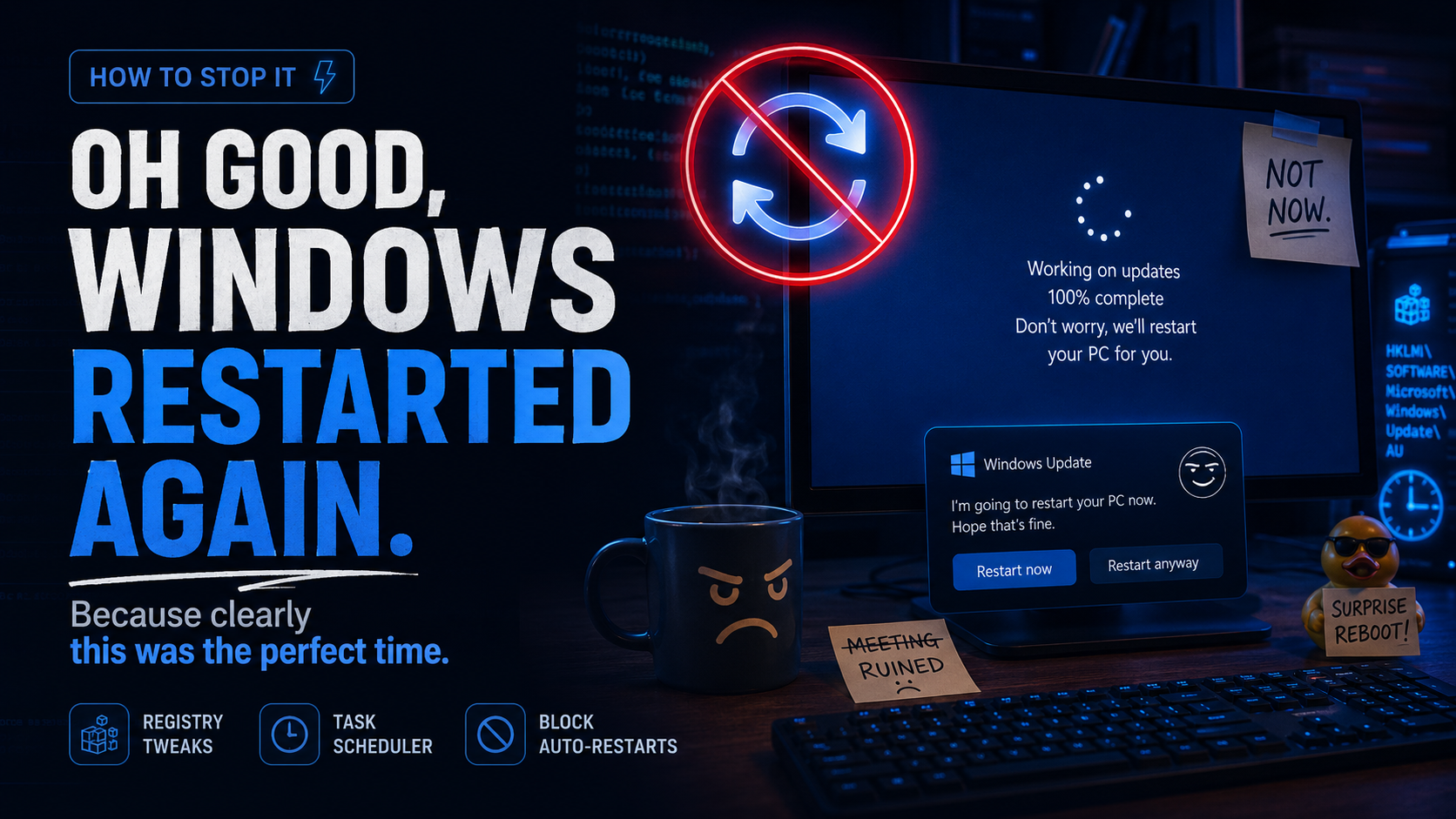
Random stuff I stumble upon - drivers, registries, recipes, and the occasional BSOD.

Onedrive Fix
Getting OneDrive to work on LTSC
By Johnny Funch - June 29, 2026
Getting OneDrive to work properly on Windows LTSC editions

Windows LTSC (Long-Term Servicing Channel) doesn't come with OneDrive pre-installed, which can be frustrating if you need cloud storage integration.

The good news is that you can manually install OneDrive on LTSC, but there are a few tricks to getting it working properly. Here's what worked for me.

At first, I treated it like the usual Windows nonsense. I tried the normal things. I checked startup behavior. I looked at installed versions. I tried uninstalling and reinstalling OneDrive. I checked whether the Store version was fighting with the classic desktop version and many many other suggestions from the kind people of the Internet.

Ultimately the fix was one Registry key and a reboot later I was back in business.

Save this to a text file 'FixOneDrive.reg' and run it by right clicking on it and run as Administrator.


And here's a FU Microsoft moment.'

As part of Microsofts ongoing campaign of turning Windows into bloatware, here's a setting you might as well set while you're in there.

I'm not sure when this was enabled, but at some point I started seeing "Start Backup" to the left of the address bar, even on folders I did NOT want OneDrive to touch.

I tried a few suggestions, like turning off "Show Sync Provider Notification" and a few others but could not get it working.

This registry key does the trick, just rename or delete the key as in the entry below and restart explorer and you are good to go.


Me Mini Me Mini
Beelink Me Mini
Beelink Me Mini
By Johnny Funch - June 12, 2026
Say hello to my little friend...

Powering my Plex server with the Beelink ME Mini (16GB) is turning out to be one of the smartest upgrades I've made for my home media setup. This tiny cube (just 99x99x99mm) packs an efficient Intel N150 processor, 16GB of fast LPDDR5 RAM, and an incredible six M.2 NVMe slots that let me scale up to a whopping 24TB of lightning-fast all-flash storage.

What makes it truly amazing for Plex is the perfect blend of low power, silent operation, and strong hardware transcoding thanks to Intel Quick Sync. It handles multiple 4K streams with ease-real-world tests show it managing several simultaneous 4K-to-1080p transcodes while staying cool and efficient (often sipping just 10-20W under load).

Dual 2.5GbE Ethernet ports ensure fast streaming and backups even with a growing library, while the compact, stylish design with vertical airflow cooling keeps it whisper-quiet in the living room or media closet. No more bulky towers or noisy fans-just reliable, always-on media serving that feels premium without the premium price or power bill.

If you're looking for a compact, expandable, energy-efficient Plex powerhouse that punches way above its size, the Beelink ME Mini delivers in spades. Highly recommended for anyone building (or upgrading) a serious home media server.


I chose to remove the preinstalled Windows 11 Pro and opted for LTSC which meant pretty much NO drivers were present.

One major frustration I encountered with the Beelink ME Mini was tracking down the official drivers. Beelink hosts them on a Chinese server (dr.bee-link.cn), and the download experience can be incredibly unreliable. Every browser I tried - Chrome, Edge, Brave, and even Zen - struggled with incomplete or failed downloads. JDownloader threw in the towel too. What should have been a quick process turned into a multi-hour scavenger hunt across forums and mirrors just to gather everything I needed for a clean setup.

To save you the same headache, I've mirrored the complete driver package (and BIOS files) on a fast North American server. You can grab them directly from the links below - no login walls, no flaky connections, and no endless retries. Just straightforward, reliable downloads so you can get your ME Mini up and running quickly for that Plex server (or whatever else you have planned).

Jump to Download Page
Custom Font
Custom Font
TinkerCad Custom Fonts
By Johnny Funch - October 21, 2025
Learned something new today about using a custom font in TinkerCad

Up until now when I needed a different font than the standard text-tools offer in TinkerCad, I would go to PhotoShop, create my text, convert it to svg and import it.

But then at the gym this morning I stumbled upon another cool way of assembling prints that are too large to fit on your plate. Built into your slicer is a took you can use to assemble them with snap or glue. But during that, the poster mentioned the "Custom Font Shape Generator"".

And it's quite easy. I'm gonna go through the steps I took to make this happen so you can too.

First you should pick a font. You may already have one on your system, or there are websites like 1001FreeFonts.com and many others. Download the font and unpack it if it's compressed.'

When you have your ttf or otf file, open up convertio.com and import your newly downloaded file. When it's done converting, download the svg file.'

In TinkerCad, search for "Custom Font Text" and place it on your workplane. Then drag the newly converted svg file onto the Picture box on the right hand side and wait a few seconds.

Voila, your new font has been imported. I have found that just having a TinkerCad project with all the fonts I regularly use is helpful.

Web.Config'
Web.Config
Web.Config Troubles
By Johnny Funch - June 28, 2025
Things I didn't know about Web.Config'

So, for the last 6 months or so, I've had issues with my websites throwing 503 errors after publishing them from Visual Studio. Not always the same error, but something along the lines of multiple apps in the same application pool.

Wasn't really sure what that meant, google didn't provide a good result and it was starting to annoy me.

I host a bunch of my clients websites on my shared hosting server. Some of them are flat static sites, html/css/js... the ones that have given me headaches are the razor pages.

By default my web-apps didn't always have a web.config, mostly probably due to my ignorance, but I've come to understand the meaning and how to set it up correctly to avoid the 503 error.

Basically... If you are hosting multiple sites they should all say OutOfProcess in the web.config, AND it must match whatever you have set in your ISP's hosting company's Core settings.


Fondant Potatoes'
Fontant Potatoes
Fondant Potatoes
By Johnny Funch - March 31, 2025
Easy delicious fondant potatoes
I've made this recipe a million times, it's easy, yummy and makes you look like a kitchen genius.


What's On Your Computer'
What's Installed on your Computer
What's Installed on your Computer?
By Johnny Funch - March 10, 2025
Ever wonder what's actually installed on your computer?
Not long ago I kept getting the dreaded BSOD om my Windows 11 desktop. It's been a while since I rebuilt it and I'm probably due, but I needed to find out what was actually installed.


Blog Image
Use Space On Unused Onedrive Accounts
Use the included storage on your OneDrive accounts
By Johnny Funch - March 10, 2025
Have unused OneDrive Storage Accounts?

When subscribing to Office 365, you get a number of licenses, but you can't really use them without signing out and back into another account, and even then it's a pain because the directory would be the same.

You could use them for storage/backups though by starting a Windows Sandbox and using it from there. I created email accounts that matched the use so I could remember what was where. Yes yes I know harddrives are cheap, but you shouldn't really store your backups at your house.

Blog Image
Create SQL Insert Scripts
Create a script to create SQL insert scripts.
By Johnny Funch - March 10, 2025
Create Insert Scripts for an online SQL server.

In SSMS you can ask it to create insert scripts for you, but my hosting company uses some front-end application that does not allow me to do that, and the conventional way to create them timed out due to the amount of rows.

So I created a script that will create individual lines that will not time out.


Blog Image
Cool sites for CSS tools, tricks and fun
CSS Tools & Tricks
By Johnny Funch - March 10, 2025
Ever expanding list of interesting websites

Let's build something

Based in Jacksonville, FL - available for custom software, websites, and database work.
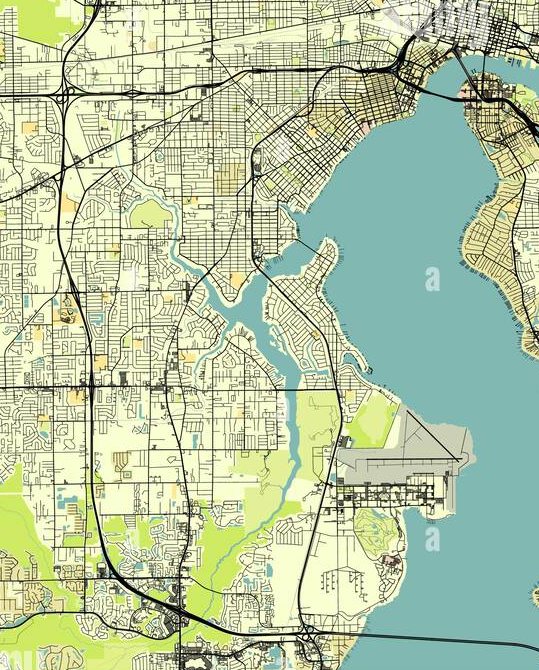
Jacksonville, FL 32210
www.funchtech.com
info@funchtech.com
Jacksonville skyline